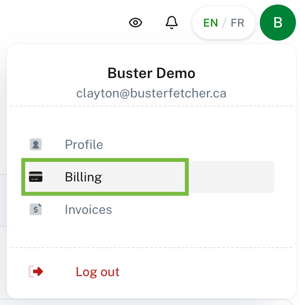
When connected to your Buster Fetcher account, click on your profile in the top right corner.
In the menu, select "Billing".
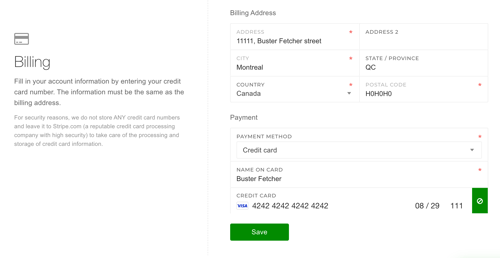
From there, you can update your billing address and credit card and click on "Save"
Your invoice is also sent to you by email. If you do not receive your invoice by email, reach out to our customer support team.